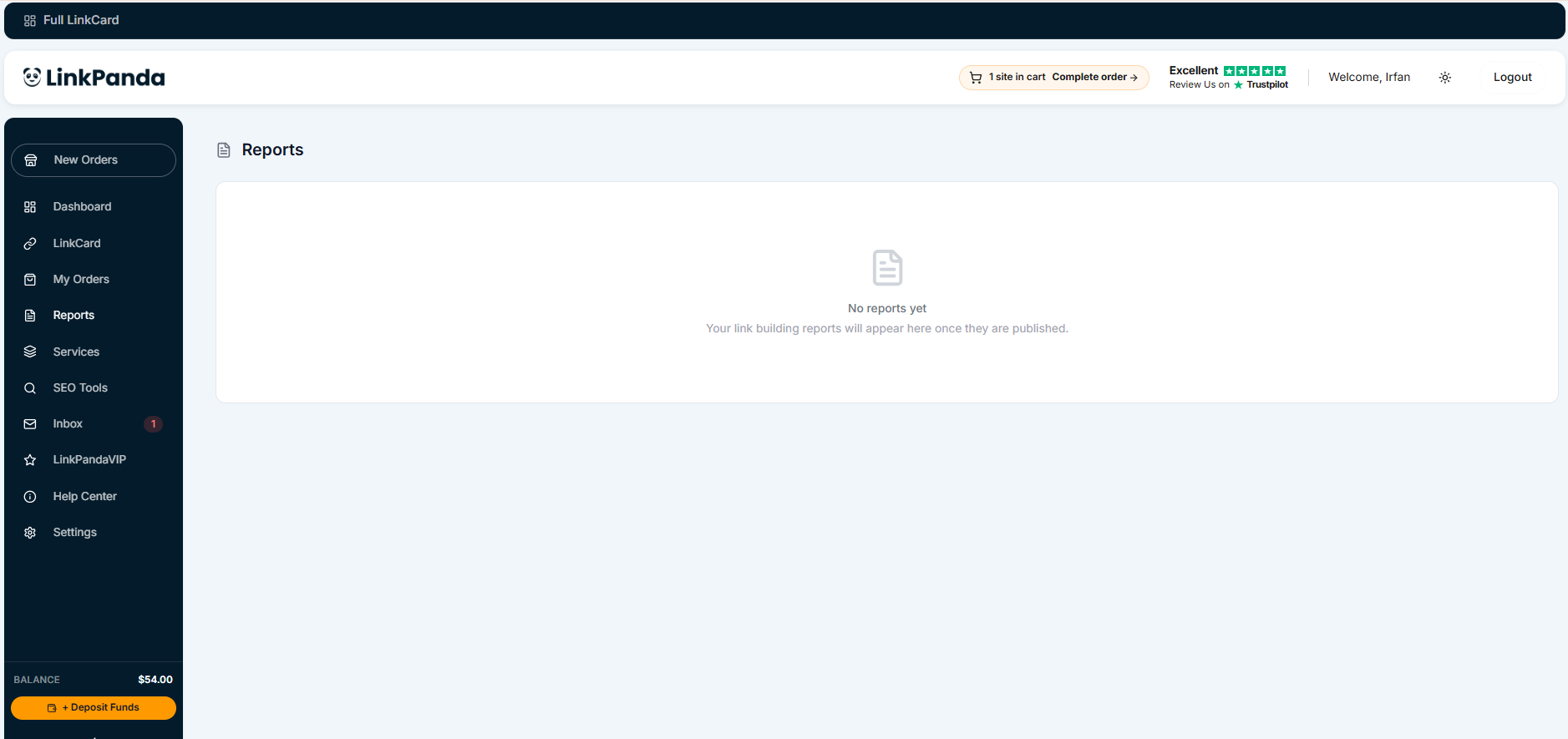
The Reports section gives you access to performance data and campaign summaries for your link building activity. Click Reports in the left sidebar to open the Reports page at any time.
What the Reports Section Contains
The Reports section provides a structured view of your link building campaign data. This includes summaries of links delivered, order history, domain performance, and any other reporting data made available by the LinkPanda team.
Available Report Types
The specific report types available in this section will be documented here once the Reports page has been fully reviewed. Each report type will include a description of what data it displays and how to interpret it.
[CONTENT TO BE ADDED: Full descriptions of each report type, filters available, and how to read each report]
Need Help?
For questions about your reports or campaign data, contact your account manager directly. Their email address is displayed at the top of your LinkCard.
General support: info@linkpanda.com