Accessing the Order Requests Page
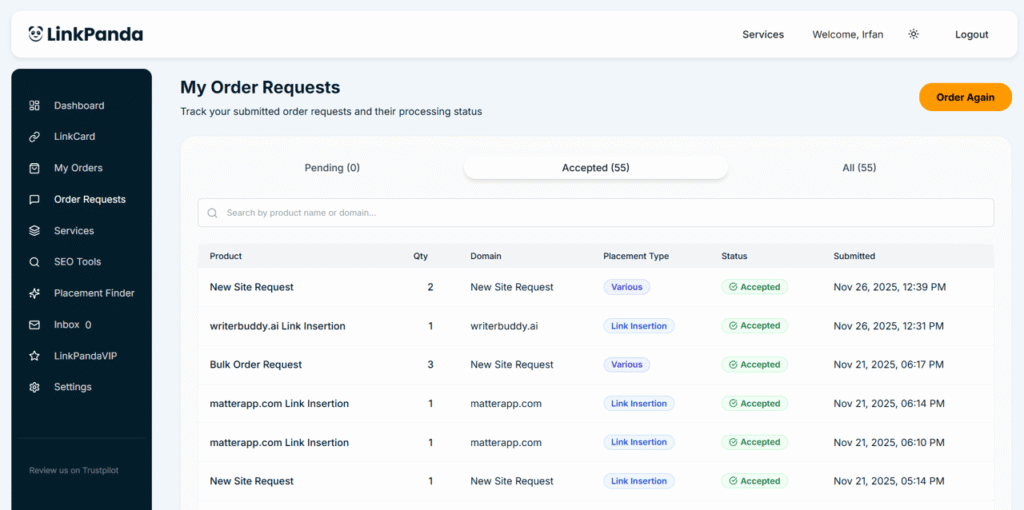
Click Order Requests in the left sidebar to open the My Order Requests page. From here you can track all submitted requests and their current processing status. The page also has an Order Again button in the top right to quickly submit a new request at any time.
The Two Request Types
New Site Request
A New Site Request is submitted when you do not have a specific referring domain in mind and would like the LinkPanda team to source a suitable site on your behalf. When placing the order, you select No or use the New Site Request option, then specify your placement type (Link Insertion, Guest Post, Listicle, or Brand Mention), the number of placements required, and optionally a Domain Rating preference (40-50, 51-70, 71+, or No preference).
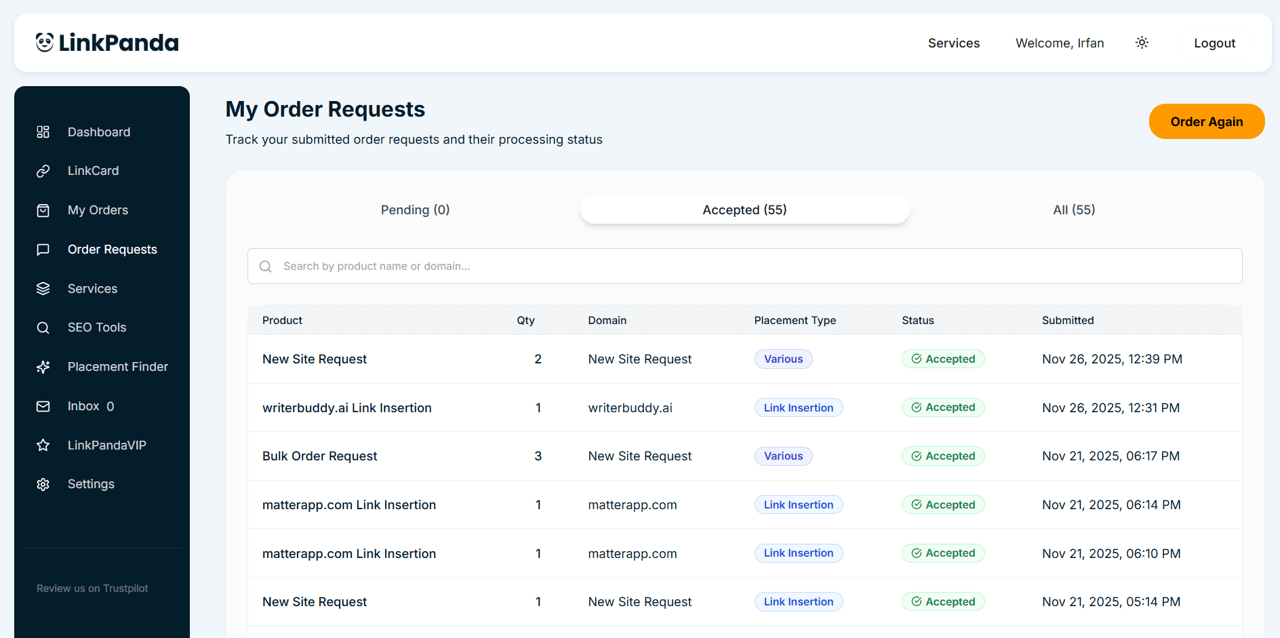
The LinkPanda team will identify a suitable referring domain from their inventory that matches your requirements and reply to your account email with options to confirm before processing begins. On the Order Requests page, New Site Requests appear with New Site Request as the domain name and a placement type badge of Various when the request covers multiple types, or the specific type selected.
Individual Site Request
An Individual Site Request is submitted when you have a specific referring domain in mind and enter it directly into the Site Request card in the order form. The domain name, placement type, and any placement details you provided (anchor text, target URL, live link) are all captured in the request.
On the Order Requests page, individual site requests are listed by the referring domain name (for example writerbuddy.ai Link Insertion) with the exact placement type badge shown. The LinkPanda team will get back in touch after the order request submission and confirm availability and pricing for the specified site before processing the order.
You can still start the new order form button for an individual site request as well, simply typing your referring domain of choice, or choosing from sites on offer.
Bulk Order Requests
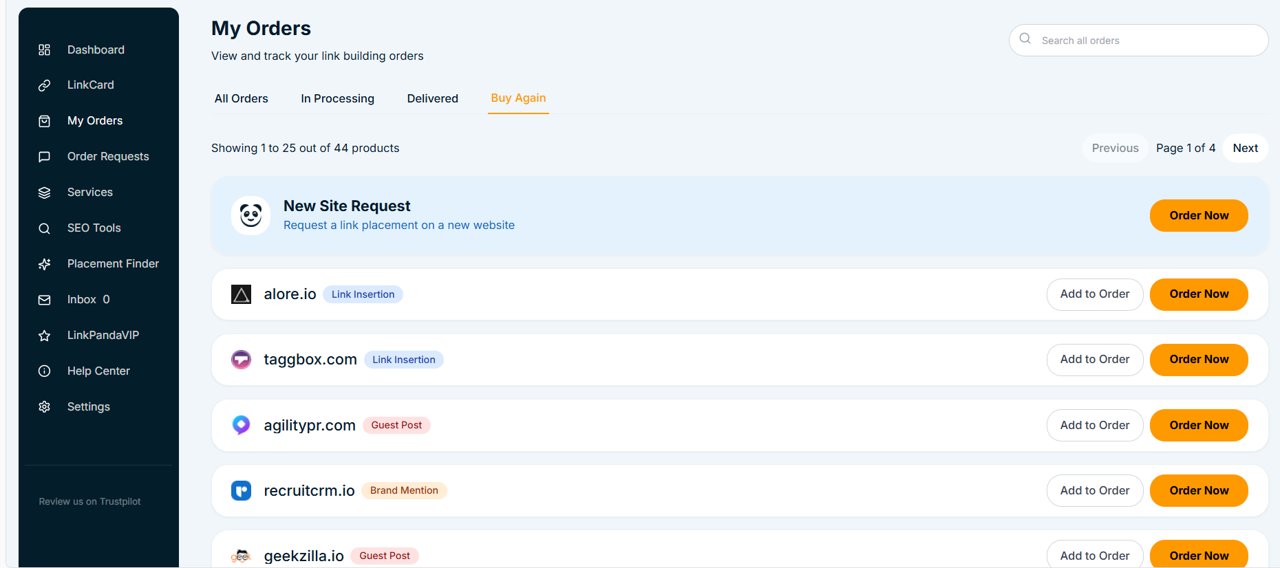
If you submit an order containing multiple placements at once, for example by using Add to Order across several sites in the Buy Again tab before clicking Order Now, this appears on the Order Requests page as a Bulk Order Request. The quantity column shows the total number of placements included, and the placement type badge displays Various if the request spans more than one type.
Request Statuses
Each request on the Order Requests page displays a status badge. There are two statuses:
The request has been submitted and is awaiting review by the LinkPanda team. No action is needed from you at this stage. Once the team has reviewed and confirmed the request, it moves to Accepted.
The request has been reviewed and accepted by the LinkPanda team. The order is now being processed and will appear in your My Orders page as work progresses. The team will be in touch via your account email to confirm any details needed to move forward.